Audio issues are among the biggest concerns for anyone hosting a livestream. It can be frustrating when viewers keep commenting, "We can't hear you" or "The audio is distorted," even though everything seems to be working. Following a simple audio checklist before going live is an essential habit for every professional streamer.
Why Is Audio Testing So Important?
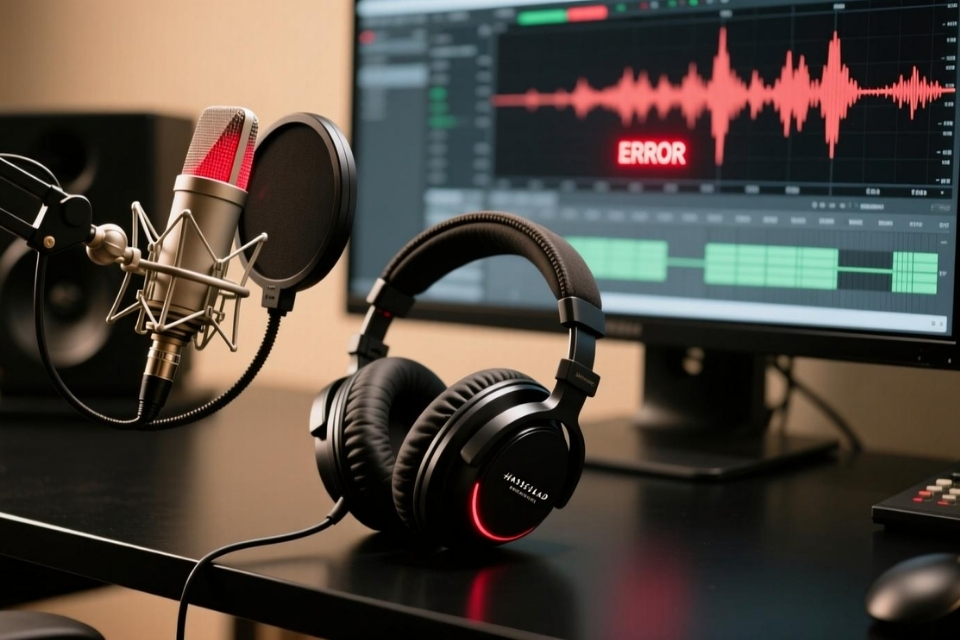
A livestream audio system consists of multiple components, including Microphones, cables, audio interfaces, and broadcasting software. A loose cable or an incorrect input device selection can cause poor sound quality or even complete audio loss during the broadcast.
Spending just a few minutes checking your setup before going live can help prevent technical issues and ensure a smooth streaming experience.
A 5-Step Audio Check Before Livestreaming
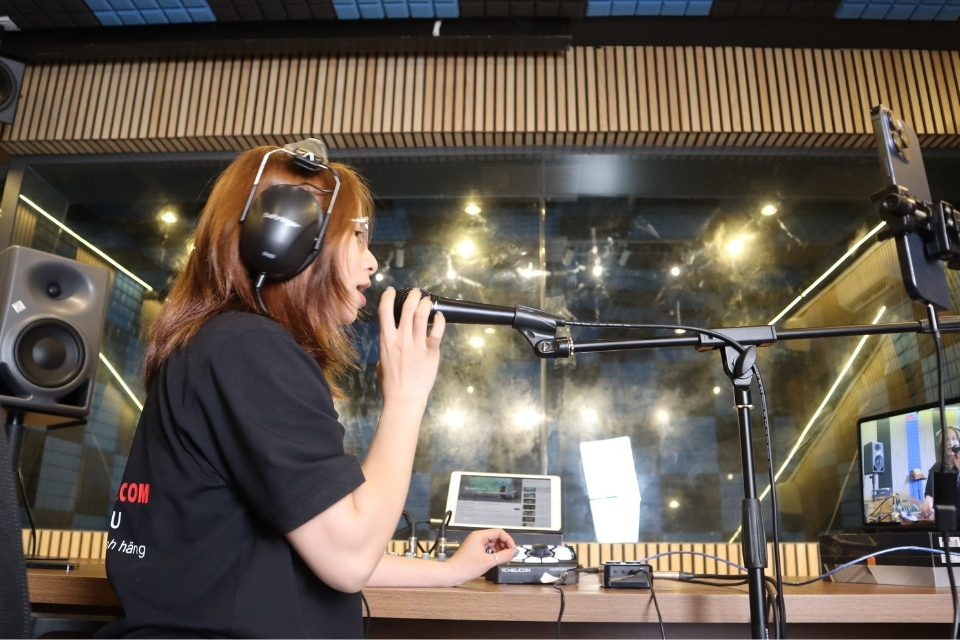
Before starting your livestream, follow these basic STEPS:
- Check all Microphone cables, signal cables, and Phantom 48V power if you are using a condenser microphone.
- Open your livestream software and confirm that the correct audio interface is selected as the recording device.
- Test the Microphone input and adjust the gain so the signal is strong without clipping or distortion.
- Play your background music and balance it with your voice to keep speech clear and easy to understand.
- Record a short 10–15 second sample and listen to it using monitoring headphones to verify the overall audio quality.
Completing these five STEPS before every livestream helps minimize technical problems and ensures a more reliable broadcasting experience.
Hoang Bao Khoa Provides Complete Livestream Solutions
Hoang Bao Khoa supplies complete livestream packages that include microphones, audio interfaces, monitoring headphones, connection cables, and compatible accessories. The company's technical team recommends suitable configurations for online selling, virtual meetings, education, churches, and professional content creation, helping customers build reliable and easy-to-use livestream systems.