If your Turbosound Inspire iP2000 or iP3000 speaker becomes unresponsive, experiences audio issues, has trouble connecting via Bluetooth, or you’ve forgotten the passcode, performing a reset is the quickest and most effective solution. Resetting helps return the speaker to a stable state, clear configuration conflicts, and ensure the system operates smoothly like new. The guide below provides detailed instructions on performing a soft reset, resetting when the passcode is forgotten, and using hardware reset methods so you can easily resolve any issue.
Guide to Reset Turbosound Inspire (iP2000/ iP3000)
Resetting your Turbosound Inspire iP2000 or iP3000 helps resolve common issues such as the speaker not responding, audio dropouts, Bluetooth connection problems, or when you forget the passcode. This is an essential step when the device becomes unstable or when you want to restore it to its original factory state for reconfiguration. Below is a clear, detailed, and easy-to-follow guide suitable for both new and experienced users.
Soft reset (Factory Reset from the Setup menu)
A soft reset returns the speaker to its default factory settings without using hardware operations.
- Press the Setup button.
- Go to the Setup tab.
- Scroll down and select Factory Reset.
- Press the Encoder knob to confirm.
- The speaker will automatically restart and load the manufacturer's default configuration.
Reset when you forget the passcode
If you forget the passcode and cannot access the full functionality of the speaker, follow one of the two methods below.
Option 1: Reset using the mobile app
- Open the Turbosound app on iOS or Android.
- Connect the app to your speaker.
- The app allows you to unlock the speaker without re-entering the passcode.
- If this does not work, proceed to Option 2.
Option 2: Factory Reset using hardware buttons
- Turn off the speaker completely.
- Press and hold the Encoder knob.
- While holding the Encoder, power the speaker back on.
- The display will show three options.
- Select Factory Test.
- The screen will flash blue/white for a few seconds to begin the reset process.
- Press the Encoder knob to confirm.
- Follow the on-screen STEPS until the process is complete.
- The speaker will restart automatically, and all passcodes will be cleared.
Buy genuine Turbosound products at Hoàng Bảo Khoa
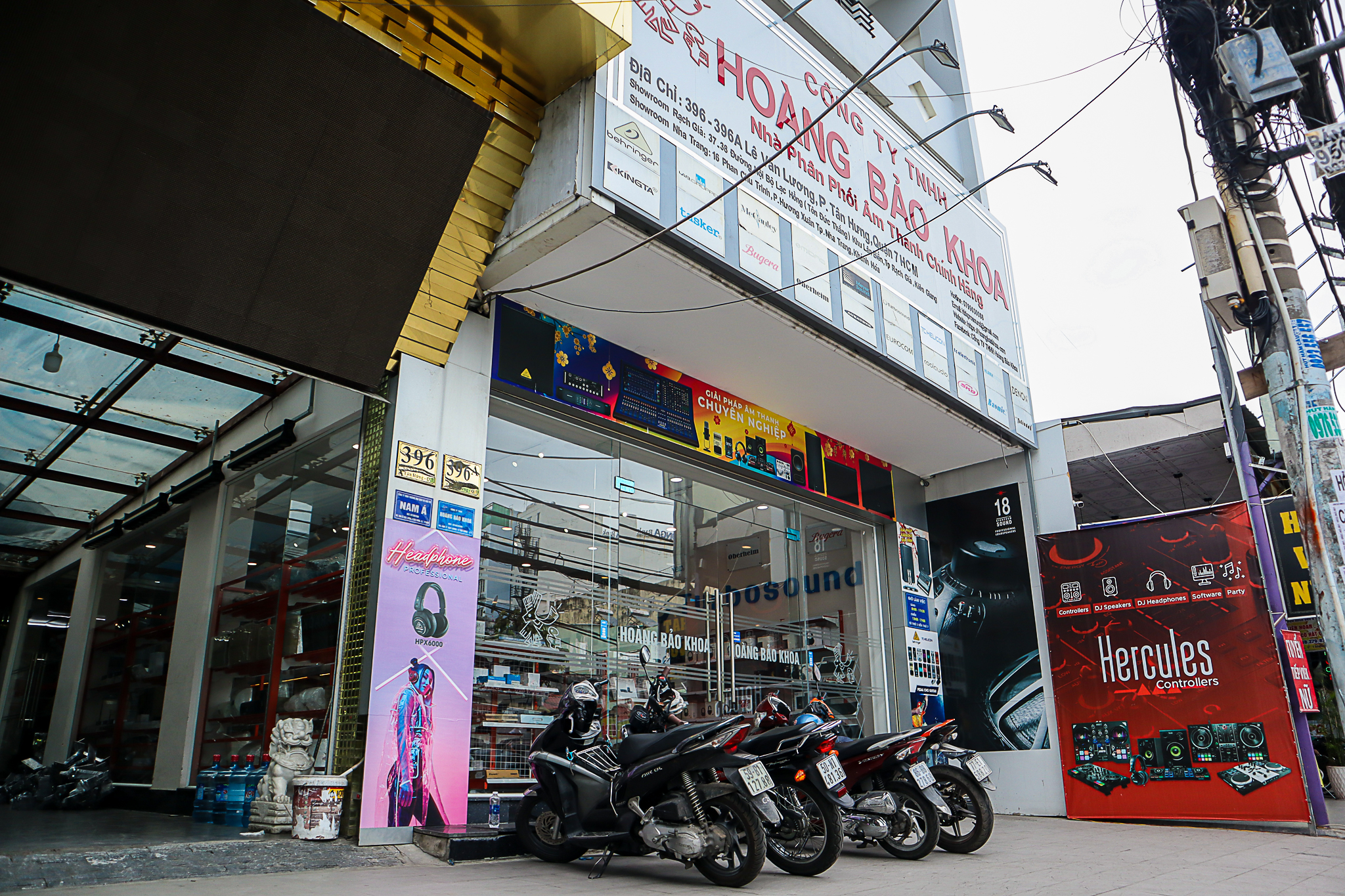
Hoàng Bảo Khoa is an authorized distributor of Turbosound in Vietnam, offering the full range of Inspire models such as the iP2000 and iP3000. When purchasing from hoàng bảo khoa, you are guaranteed 100% authentic products with full CO/CQ documents and clear invoices. Our experienced technical team supports you throughout installation, operation, and maintenance. Customers also benefit from standard manufacturer warranty policies, genuine replacement parts, and attentive after-sales service. Hoàng Bảo Khoa provides nationwide delivery, secure packaging, and professional consultation to help you choose the right product for your audio system.