In any audio system whether for live sound, studio recording, or wireless audio setups, one critical concept that is often misunderstood or overlooked is Gain Staging. This is not simply about “turning up the Gain knob,” but rather a systematic process of setting signal levels correctly to ensure clean audio, prevent distortion, reduce noise, and maintain optimal sound quality throughout every stage of the signal chain. This article provides a detailed explanation of what Gain Staging is, why it matters, and how to set proper gain levels for audio systems, especially wireless microphone systems such as Sennheiser EW-D, EW-DX, EW-DP, and Digital 6000. Each section is carefully explained to help readers understand the underlying principles, the reasoning behind proper practice, and how to apply Gain Staging accurately to their own systems.
What is Gain Staging?
Gain Staging is an audio engineering term that describes the process of controlling and adjusting signal levels at each stage of the audio signal chain so that the signal remains optimal from input to output. The goal of gain staging is to keep the signal “clean” and prevent overload during transmission.
In other words, gain staging is the method of setting appropriate gain (amplification levels) at every point in the system in order to:
- Prevent clipping and distortion caused by excessively strong signals;
- Reduce background noise when signals are too weak;
- Maintain sufficient headroom for further signal processing;
- Ensure the best possible signal-to-noise ratio (SNR).
Technically speaking, gain staging involves distributing gain appropriately across each “gain stage” in the audio chain, for example: Microphone → preamp → mixer → processor → amplifier → speaker. This approach prevents any single device in the chain from being overdriven or underfed, both of which can significantly degrade audio quality.
Why is Gain Staging important?
There are three main reasons why gain staging is a fundamental part of any audio system:
1. Preventing distortion and clipping
When a signal becomes too strong and exceeds a device’s operating limits, clipping occurs—audio WAVE peaks are cut off, causing distortion. This type of distortion is undesirable, resulting in harsh, brittle sound that is difficult to fix later in the signal chain.
Proper gain staging keeps signal levels within safe operating ranges, preventing clipping from the outset rather than attempting to correct problems after they occur. This is especially critical in both analog and digital systems, where every device has defined signal limits.
2. Optimizing signal quality and reducing noise
If the initial signal is too weak, later stages must apply excessive gain to compensate. This not only amplifies the desired signal but also boosts background noise such as hiss or hum. As a result, the signal-to-noise ratio (SNR) decreases, making the audio less clear and harder to control.
Gain staging ensures that each device in the chain receives a strong, clean signal, minimizing the need for excessive gain later and preserving optimal SNR.
3. Maintaining sufficient headroom for processing and dynamics
Headroom is the margin between the average signal level and the level at which clipping occurs. In real-world applications, vocals and instruments often produce sudden transient peaks. Without adequate headroom, distortion can occur instantly.
A well-executed gain staging strategy distributes signal levels so that each device retains enough headroom, allowing processes such as EQ, compression, and effects to operate accurately without introducing unwanted distortion.
For wireless Microphone systems such as EW-D, EW-DX, EW-DP, and Digital 6000, gain staging plays a crucial role in ensuring that the signal from the performer to the mixer, PA system, or recording device remains at an optimal level.
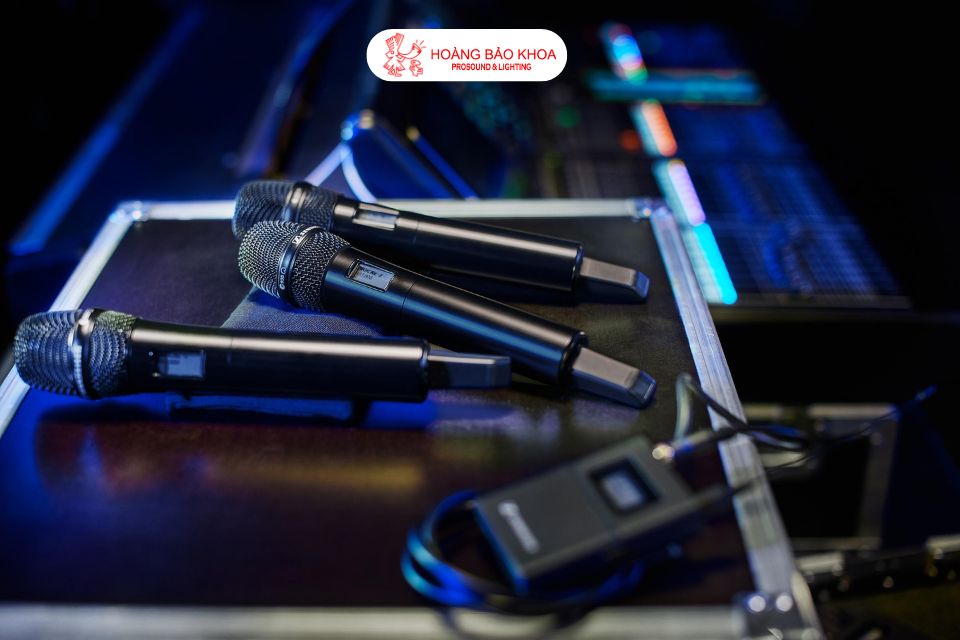
Input gain adjustment
Every wireless microphone system allows gain adjustment. On systems such as EW-D, EW-DX, and EW-DP, gain is typically set on the receiver to ensure the input signal is strong enough without reaching clipping. With Digital 6000 systems, gain can also be adjusted directly on the transmitter, which is particularly useful when the source signal level (vocal or instrument) is well understood.
A common practice is to start with a moderate gain setting, then test under real conditions and adjust so that the signal meter remains stable and avoids the red zone (indicating clipping). Proper control of input gain allows you to manage the signal effectively from the source.
AF Out - output signal level
AF Out refers to the audio output level sent from the receiver to the mixer or the next device in the signal chain. By default, AF Out is often set to 0 dB, but it can be adjusted to match the input sensitivity of the receiving device.
For example:
- When connecting to a line-level input, you may start around –6 dB to avoid an overly “hot” signal.
- When connecting to a mic-level input, AF Out should be set much lower, around –30 dB, to prevent distortion at the mixer input.
Unity gain - balanced signal levels in the system
In many systems, the goal is to keep signal levels consistent as they pass through each device without excessive boost or attenuation. This configuration is known as unity gain, where input and output levels are approximately equal, resulting in a neutral and easily controlled system.
Sennheiser provides several recommended starting points for achieving unity gain, such as:
- AF Out 18 dB & Gain 27 dB;
- AF Out 12 dB & Gain 33 dB;
- AF Out 6 dB & Gain 39 dB.
These values are only reference points. Fine-tuning depends on the Microphone capsule type, sensitivity, performer technique, and downstream equipment.
Practical gain staging – step-by-step
Below is a basic workflow for applying gain staging in live sound or studio environments:
1. Identify the source signal level
Begin by evaluating the signal level from the source, typically a microphone or instrument. The signal should be strong enough to rise above background noise without being excessively loud. Microphone placement and distance from the sound source significantly affect gain staging at this initial stage.
2. Set the preamp / mixer gain
The preamp in the mixer raises the microphone signal to line level and represents the most critical gain stage. Set the gain so that the average signal level falls within the device’s optimal operating range (often around –18 dBFS in digital systems) while avoiding clipping on the meter.
3. Control headroom
Ensure that every device in the signal chain retains sufficient headroom to handle unexpected peaks. This prevents distortion or signals being driven too close to their limits.
4. Connect AF Out to the mixer / PA
Once AF Out is properly set, route the signal into the mixer or next processing stage. Continue monitoring meters, adjusting channel levels and the overall mix to maintain a strong, clean, and balanced signal.
Common gain staging mistakes
- Excessive input level: Easily leads to clipping and distortion.
- Signal too weak: Requires excessive gain later, increasing background noise.
- Ignoring headroom: Leaves no margin for peaks, resulting in unwanted distortion.
Understanding each stage, signal level, and how each device responds to audio is the key to successful gain staging—whether in recording, live performance, or professional wireless microphone systems.
Authorized Sennheiser distribution and service center
Hoàng Bảo Khoa is an authorized distributor and official Sennheiser service center in Vietnam, supplying a full range of wireless Microphones, headphones, transmitters, receivers, and Professional Audio equipment. All products include complete CO/CQ documentation, clear warranty policies, and reliable technical support.
For Sennheiser wireless microphone systems, the technical team provides consultation and proper gain staging setup tailored to each model and real-world application—from conferences and events to live performances and recording studios—ensuring optimal audio performance.
Conclusion
Gain staging is a foundational technique that directly determines signal quality in any audio system. From preventing clipping and maintaining headroom to optimizing SNR and ensuring every device operates within its ideal range, proper gain staging results in clean, clear, and stable sound.
For Sennheiser wireless microphone systems as well as live sound and recording applications, correct gain setup is not just technical knowledge but a prerequisite for accurate and reliable system performance. When applied consistently, gain staging allows you to fully realize the maximum sound quality your audio equipment can deliver.
{SanPham}