The Sennheiser TeamConnect Bar (TC Bar) is an all-in-one conferencing device integrating a camera, microphones, and speakers. If you encounter connectivity or operational issues, follow the troubleshooting steps below to identify potential causes and apply the appropriate solutions.
TC Bar Troubleshooting Guide: Common Issues and Solutions
The Sennheiser TeamConnect Bar (TC Bar) integrates a camera, microphones, and speakers for video conferencing. If connectivity or operational issues occur, use the troubleshooting table below to identify potential causes and follow the recommended STEPS.
| Issue |
Category |
Checks and Recommended Solutions |
| No audio |
Operation |
- Ensure the TC Bar is connected to the computer via USB-C using the supplied cable.
- If using Dante, check the signal routing in Dante Controller.
- On Windows computers, check the Speaker Output level in Control Cockpit.
- In Zoom or Microsoft Teams, select the TC Bar as the speaker and Microphone device.
|
| Computer does not recognize the device |
Connectivity |
|
| No video or camera not working on macOS |
Operation |
Ensure the Mac is running the latest DisplayLink graphics driver. Download the driver from DisplayLink Downloads. |
| TC Bar does not appear in Control Cockpit |
Connectivity |
- Ensure the TC Bar and the computer running Control Cockpit are connected to the same network. They can be connected directly via Ethernet or through a network switch.
- Set the computer's network configuration to Automatic DHCP until the TC Bar receives an IP address.
- Close and reopen Control Cockpit from the system tray.
- If a factory reset is required, press and hold the recessed pinhole Reset button on the rear of the device for 7 seconds using a pin or similar tool.
|
| HDMI not working |
Operation |
- In Control Cockpit, open the Device tab and ensure HDMI Output is enabled.
- Check that the Windows or Mac computer is running the latest DisplayLink driver.
- Note: When the Microsoft Teams Device Profile is enabled, HDMI Output is automatically disabled.
|
| Firmware update failure |
Connectivity |
- Check the firewall settings and ensure the network ports required for Control Cockpit and firmware updates are open, as specified in the official configuration documentation.
- If updating through Control Cockpit fails, download the firmware from the Downloads section of the TC Bar M or TC Bar S product page and perform a manual update.
- If the device is running firmware version 1.0.3 with Control Cockpit version 9.2.0, update the firmware to version 1.3.8 first before proceeding to the latest version.
|
Hoang Bao Khoa – Official Sennheiser Distributor and Warranty Service Provider in Vietnam
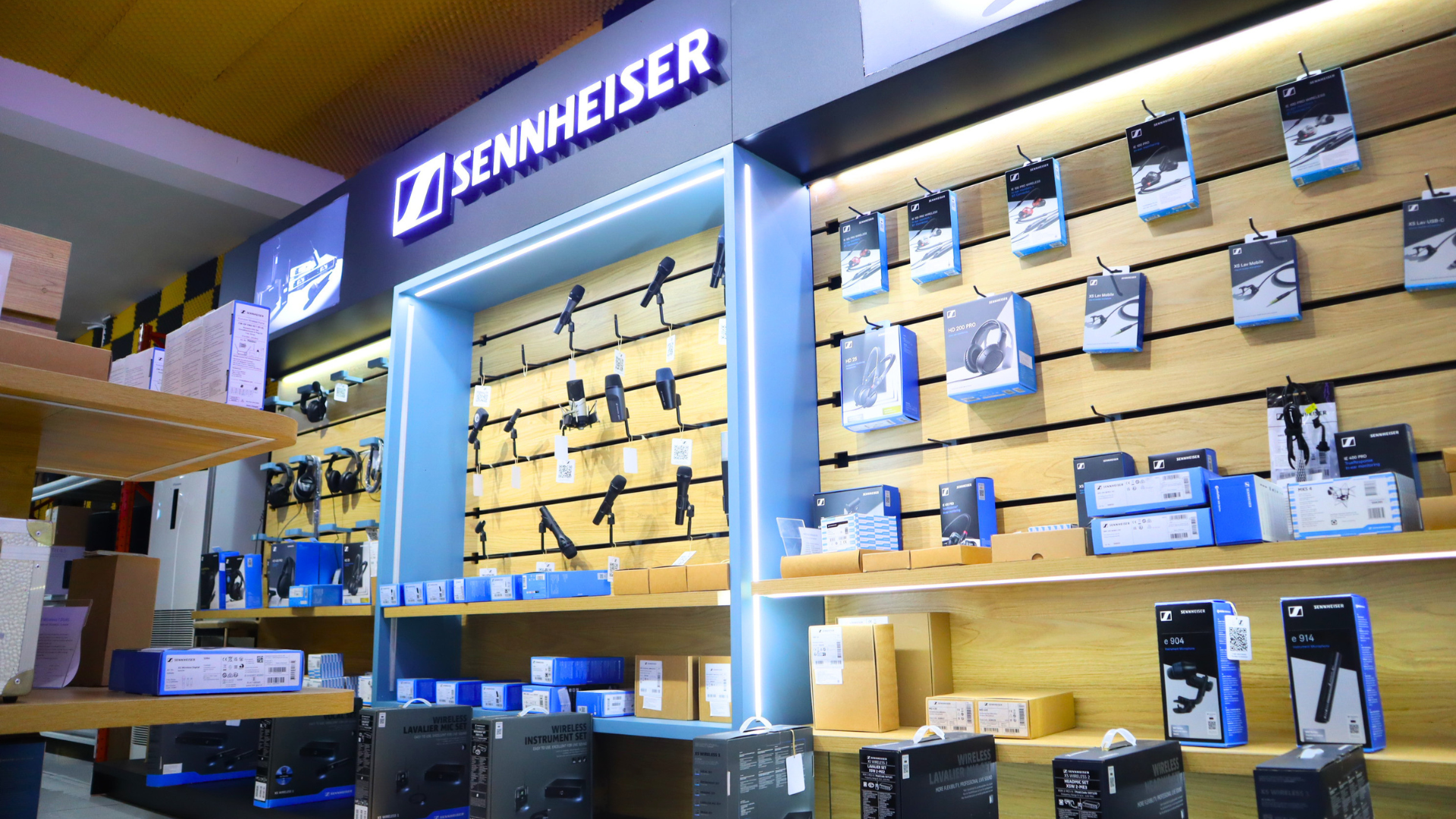
Hoang Bao Khoa is an authorized distributor of genuine Sennheiser products and the exclusive Sennheiser warranty service provider in Vietnam, offering authentic products and after-sales support in accordance with applicable brand policies.
When selecting Professional Audio equipment, product authenticity and after-sales support are important considerations alongside performance and application requirements. Reviewing the applicable warranty terms before purchasing helps clarify service coverage and customer benefits. Choosing genuine Sennheiser products provides greater confidence in product ORIGIN and warranty eligibility under the applicable policies.
02:51:22 query returned open=false
02:52:56 query returned open=false