Neumann Microphones should be protected from dust, moisture and careless cleaning, especially around the capsule. This guide covers storage, safe cleaning of the exterior and common mistakes to avoid, so owners know which routine care they can do and when a technician should handle the work.
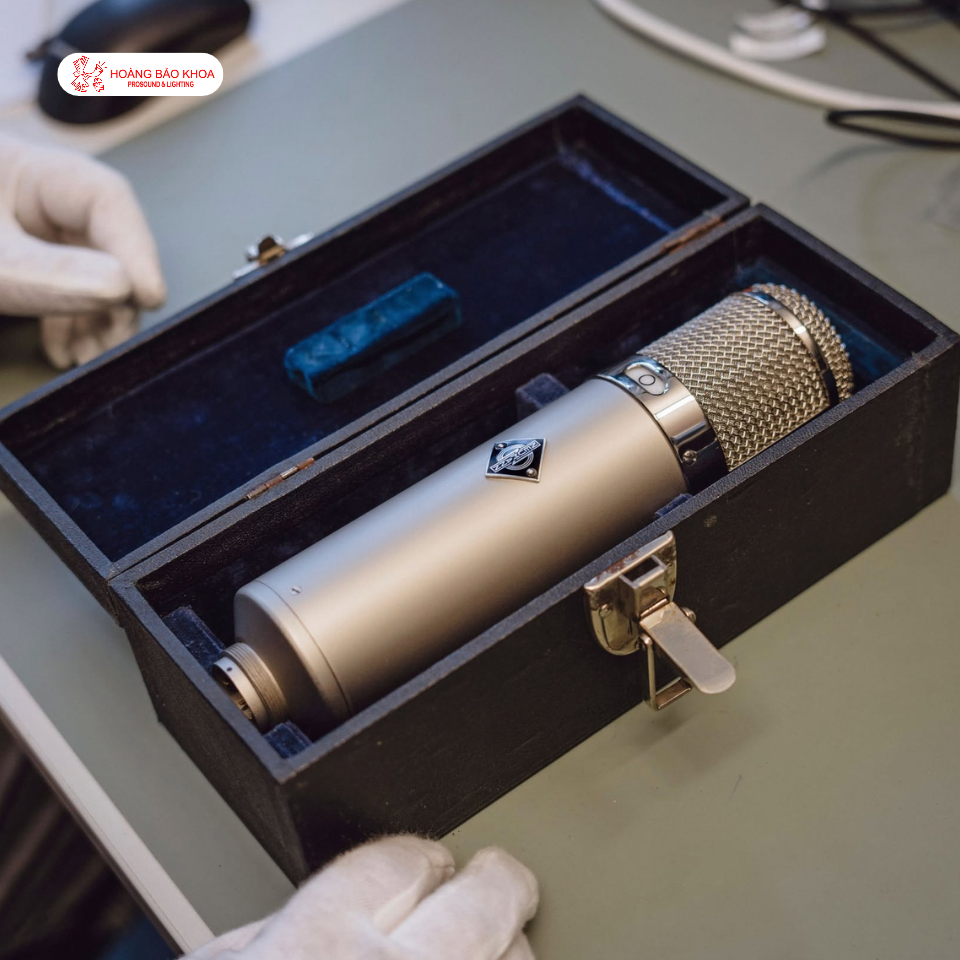
For Neumann Microphones, condenser capsules and input circuits have very high impedance. Neumann’s maintenance guidance says dust, ash, lint and nicotine can degrade insulation; moisture from close vocal use or high ambient humidity can also cause interfering noise. Good care therefore starts with keeping the Microphone clean and dry.
After a session, remove a detachable pop screen or windshield for separate cleaning when needed, then place the microphone in its case or use a non-fluffy dust cover. Do not leave a condenser Microphone unprotected on a stand for long periods. For longer storage, use a cabinet under normal climatic conditions; do not seal the microphone in a plastic bag, where moisture could become trapped.
Neumann Microphone Accessories: clean the exterior carefully
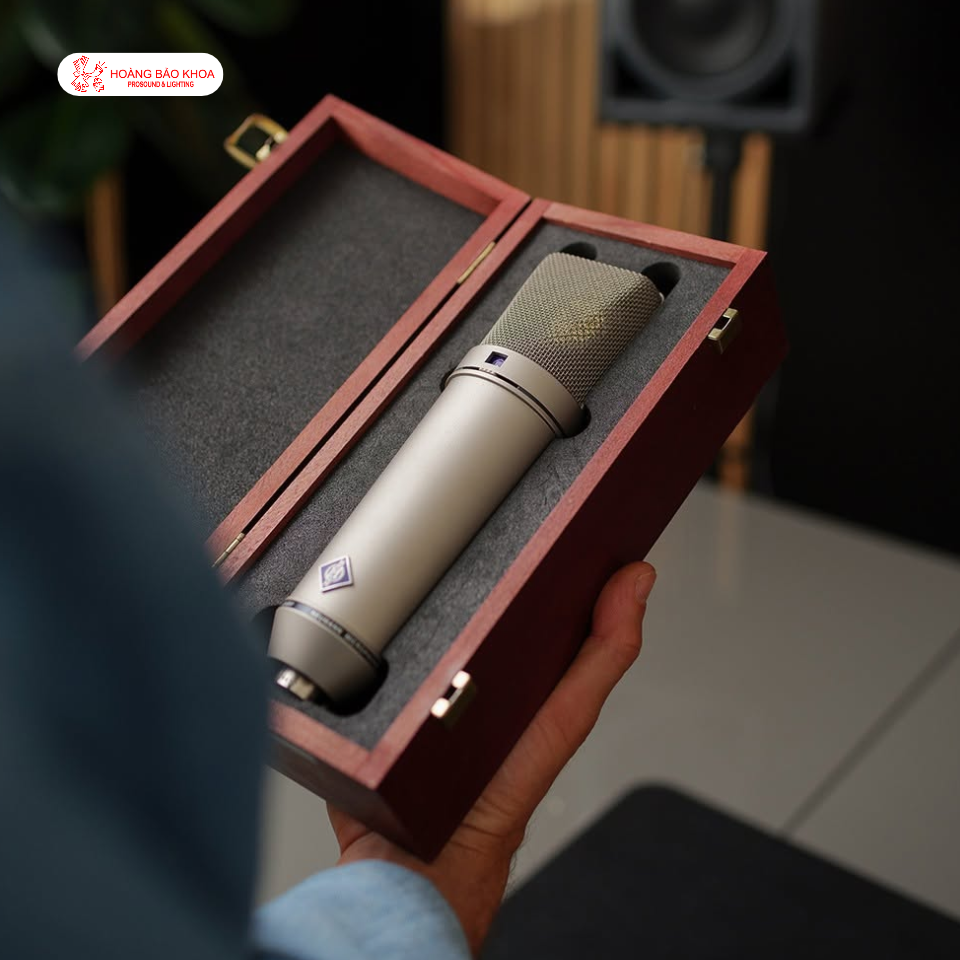
For Neumann Microphone Accessories and the microphone body, follow the material-specific instructions. Neumann permits ethanol or isopropanol on the exterior housing, applied with a soft disposable cloth, soft brush or tissue. Keep liquid away from the capsule, the inside of the microphone and circumferential labels. Avoid rough materials, stronger solvents and direct sprays: droplets can deposit on the diaphragm.
Some removable head baskets can be cleaned separately, but only when the model’s instructions allow it. Let cleaned parts dry completely before reassembly.
Cleaning mistakes to avoid
- Do not spray liquid onto the microphone or let it run into the grille or capsule.
- Do not touch, scrub or wash the diaphragm; Neumann says capsule cleaning requires a skilled service technician.
- Do not use aged foam windshields that have become brittle or crumble, as particles may settle on the diaphragm.
- Do not blow into the capsule to test it. Neumann says normal speech is sufficient for a basic function check.
Neumann Accessories: keep screens and windshields in good condition
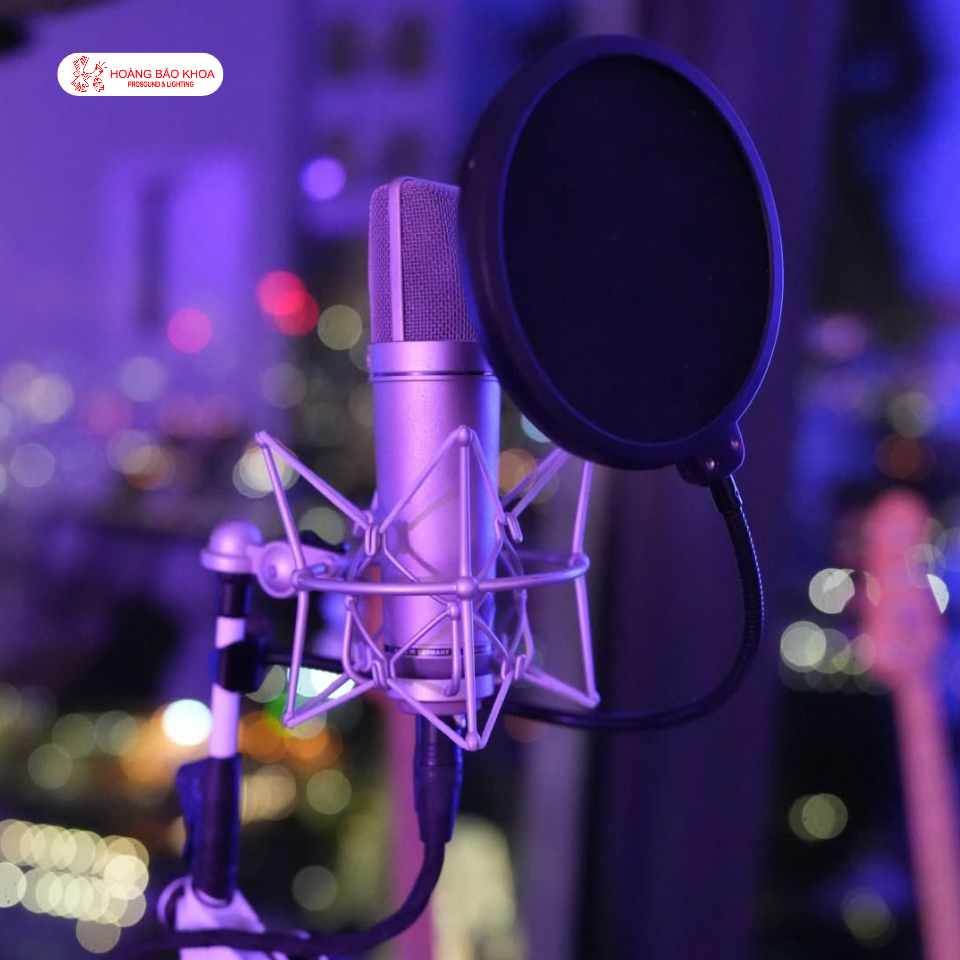
Neumann Accessories such as pop screens and foam windshields help reduce direct exposure to breath, wind and contaminants during use. Inspect foam periodically; if it is aged, cracked or shedding particles, stop using it and replace it with a compatible part. Clean a pop screen separately according to its material instructions, and do not reinstall it while damp.
If a microphone develops unusual noise, has a soiled capsule or needs repair, do not disassemble it yourself. Neumann recommends sending defective microphones to an authorised service centre; capsule cleaning in particular requires experienced hands. Regular inspection can be useful in dusty, smoky or shared-use environments.
In short, cover the microphone when idle, keep it away from damp conditions and clean only the exterior with care. For the capsule, internal components or electrical faults, stop and seek qualified service.
Hoang Bao Khoa is a Neumann distributor in Vietnam. You can learn more about Neumann products through Hoang Bao Khoa.