An accurate studio monitor system can still produce different results when placed in different spaces. Monitor placement, listening position, and the acoustic characteristics of the room all affect what we hear. Room Alignment helps measure and correct these influences, enabling more accurate and reliable monitoring in the studio.
Why Do Studio Monitors Need to Be Aligned to the Room?
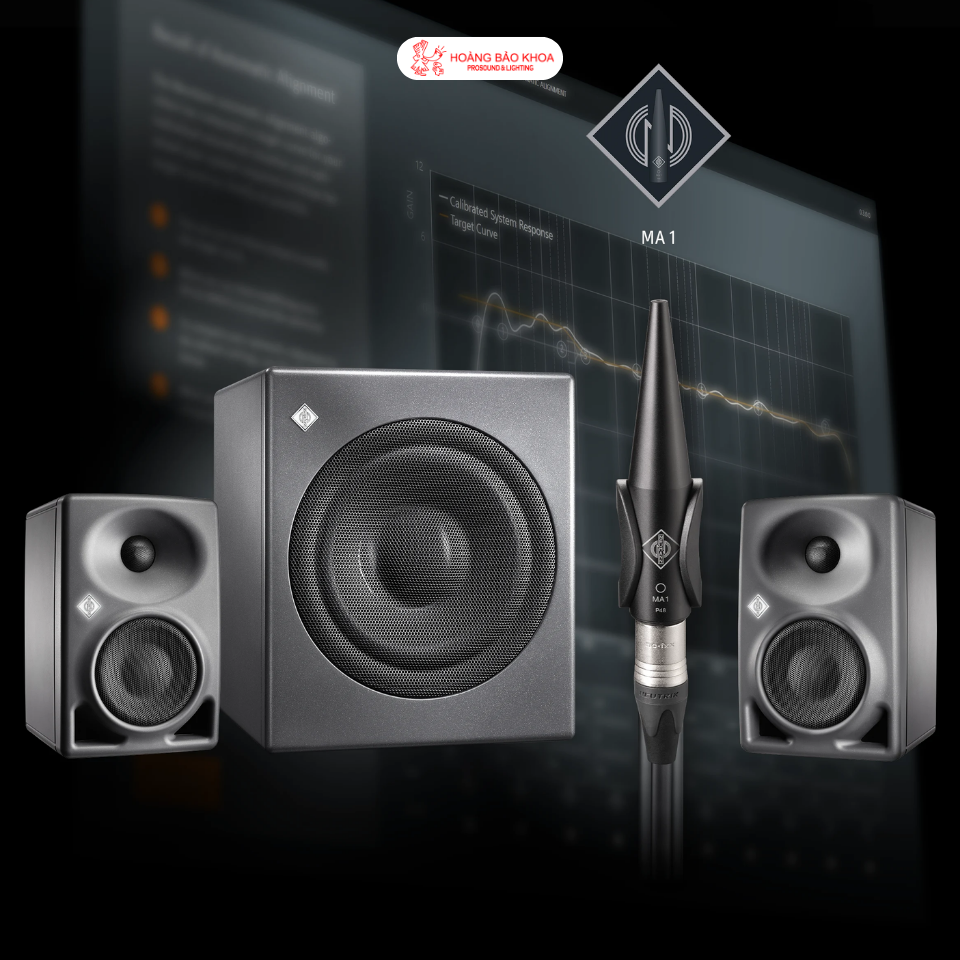
When mixing, mastering, or producing music, decisions depend on what users hear from the monitoring system. However, the sound reaching the listener is determined not only by the studio monitors but also by the room itself.
Walls, ceilings, desks, and other surfaces create sound reflections. In addition, monitor placement and listening position can also affect frequency response and timing, particularly at low frequencies, where room modes can create areas of boosted or reduced bass.
This means that even when using Neumann Studio Monitors capable of accurate reproduction, the sound at the listening position is still affected by the surrounding environment.
Room Alignment is used to reduce these deviations and help the monitoring system perform more appropriately within the actual room.
Room Alignment Does Not Replace Acoustic Treatment
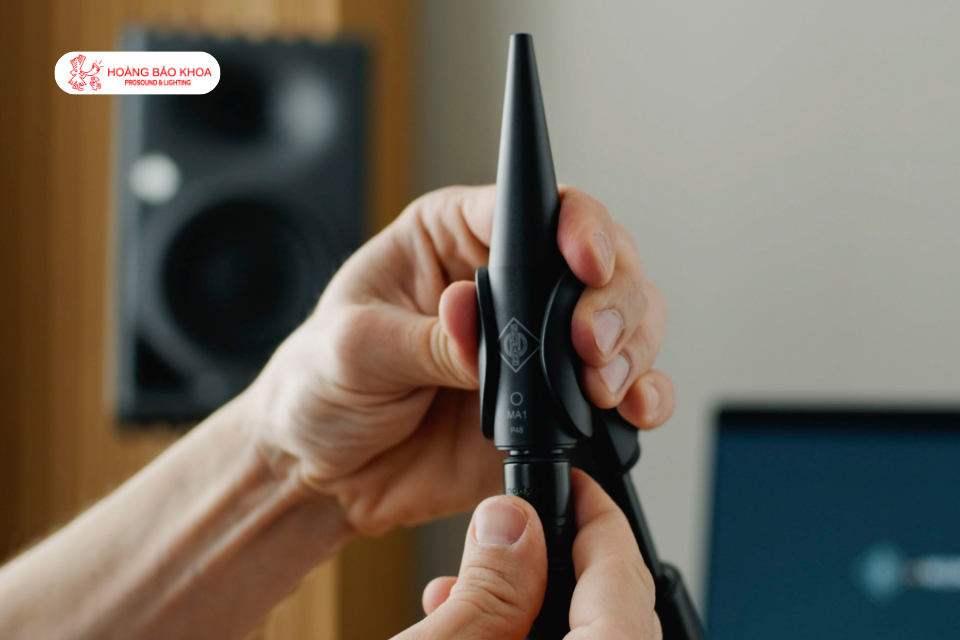
Before aligning Neumann Studio Monitors or any monitoring system, monitor placement, listening position, and the acoustic conditions of the room still need to be optimized.
Some issues can be improved through relatively simple changes, such as adjusting the distance between the monitors and the walls, changing the monitor angle, or moving the listening position.
Physical acoustic treatment also plays an important role. Bass traps help control low-frequency energy, while absorbers and diffusers help manage reflections that affect tonal balance and stereo imaging.
Room Alignment is therefore not a replacement for acoustic treatment. It is a step used to correct the remaining deviations after the room and system placement have been optimized.
What Does Room Alignment Correct?
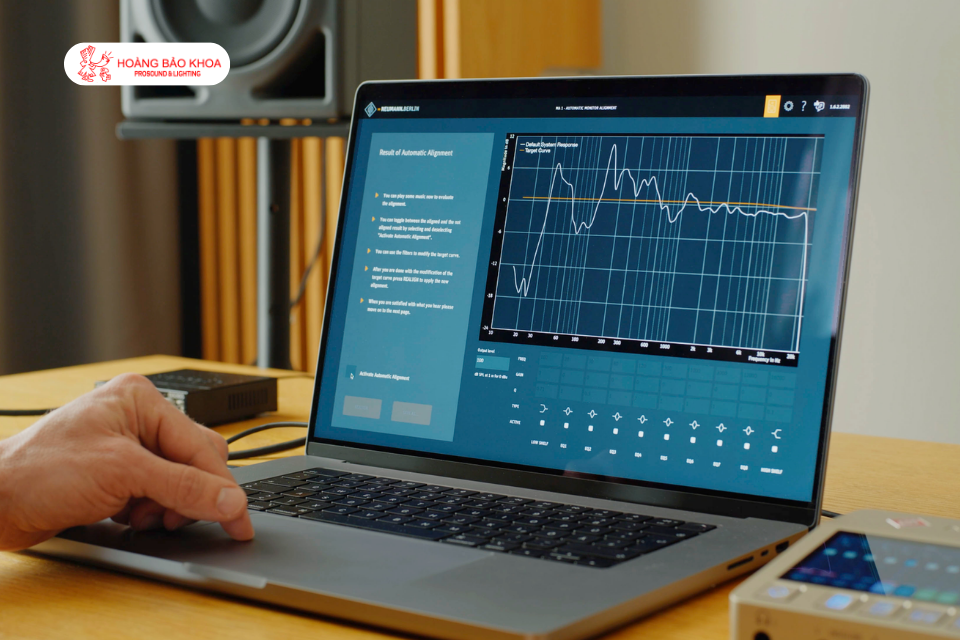
The Room Alignment process focuses on three main factors: level, frequency response, and timing.
First, the monitors and subwoofer need to be set to appropriate levels. Using test signals together with a measurement Microphone makes it possible to measure the SPL of each monitor instead of relying solely on listening.
Next is frequency response. EQ filters can be used to compensate for deviations in the response at the listening position caused by interactions between the monitors and the room.
Finally, there are timing and phase. Differences in the arrival time of sound from the two monitors at the listening position, or between the main monitors and the subwoofer, can affect stereo imaging, phase coherence, and low-frequency reproduction. Alignment uses delay and appropriate filters to optimize system synchronization.
What Role Does a Measurement microphone Play?
To determine how the room is affecting the sound, the system needs to perform measurements in the listening area.
Neumann Measurement Microphones or Neumann Frequency Measurement microphones are designed for accurate measurement. Using the captured signal, the software can analyze how the monitors interact with the room and identify deviations that need to be corrected.
Measurements are not performed at only a single point but can be taken at multiple positions around the listening area. This provides the system with additional data to evaluate the performance of Neumann Studio Monitors in the actual room.
What Room Alignment Cannot Correct
Room Alignment has limitations and cannot solve every acoustic problem.
If the monitors are placed in unsuitable positions or strong reflections occur from the desk and nearby surfaces, the appropriate first solution is still to change the placement or apply physical acoustic treatment.
Room Alignment also cannot change the reverberation time of the room. Problems such as severe room modes, flutter echo, or excessive reflections still require absorbers, bass traps, diffusers, or other appropriate acoustic treatment methods.
Therefore, software-based alignment should be considered a final step in optimizing the system rather than a solution for correcting a room with unsuitable acoustic conditions.
How Does Neumann MA 1 Support Room Alignment?
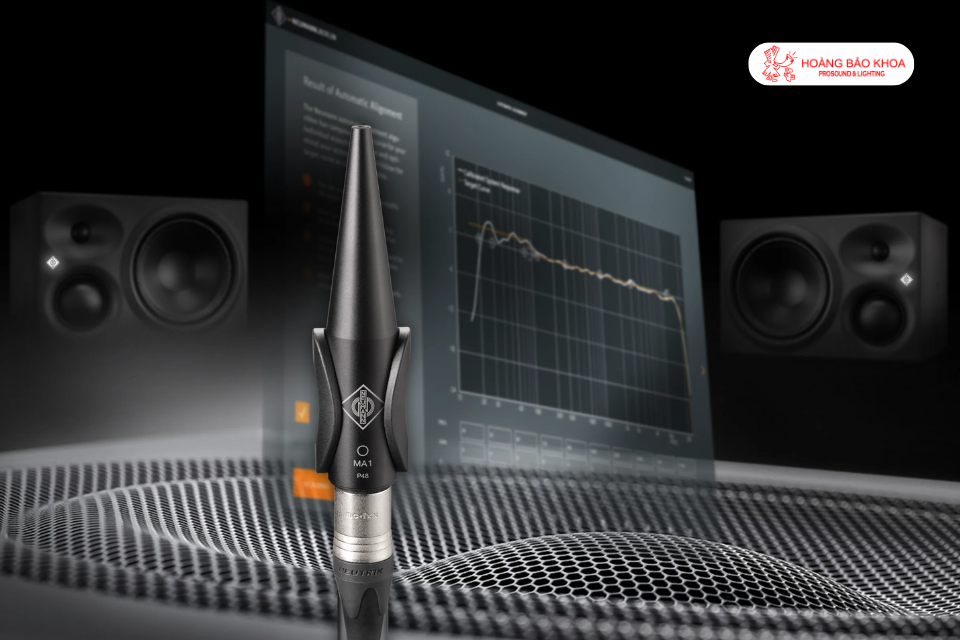
For compatible Neumann Studio Monitor systems, Neumann developed MA 1 Automatic Monitor Alignment to perform the measurement and alignment process for the monitoring system.
MA 1 uses a dedicated measurement Microphone to analyze the acoustic response at the listening position. Based on the collected data, the software calculates appropriate correction parameters for the system.
An important point is that the alignment results do not depend on a plugin in the DAW. Once the alignment process is complete, the correction data is stored in the DSP of compatible Neumann Studio Monitors. The system then does not need to maintain a network connection, audio driver, plugin, or computer to continue using these settings.
MA 1 not only optimizes frequency response but also addresses timing. In systems with a subwoofer, the software performs bass management and optimizes phase between the subwoofer and the main monitors at the crossover region.
MA 1 supports the KH 80 DSP, KH 120 II, KH 150, KH 310 II, and KH 350, together with the KH 750 DSP, KH 805 II, KH 810 II, and KH 870 II subwoofers. Previous-generation analog KH models and the KH 420 can also be aligned through MA 1 when connected to a network-enabled Neumann KH subwoofer.
For stereo systems, the alignment process is performed using the standard MA 1 software. For surround and immersive systems, MA 1 Multichannel Extension supports configurations up to 7.1.4.
Room Alignment Is the Final Step in Optimizing a Monitoring System
An accurate Neumann Studio system depends not only on the quality of the monitors but also on being properly configured for the environment in which it is used.
Proper monitor placement, room acoustic treatment, and Room Alignment are complementary STEPS. Acoustic treatment addresses the physical issues of the room, while Room Alignment helps fine-tune the remaining deviations in level, frequency response, and timing at the listening position.
When performed in the correct sequence, Room Alignment helps reduce the influence of the room on the monitoring system, creating a more neutral and reliable listening environment for mixing, mastering, and music production.
Source: Neumann Homestudio Academy - How to Room-Align Your Studio Monitors